The Museum's wireless network access (HotSpot) is available in the public spaces listed below. All you need is a Wi-Fi (Wireless Fidelity) enabled laptop or device.
What can I do from a HotSpot?
- Connect to the Internet
- Read your e-mail
- Instant message
HotSpot locations & coverage
The HotSpot service is available in the following locations:
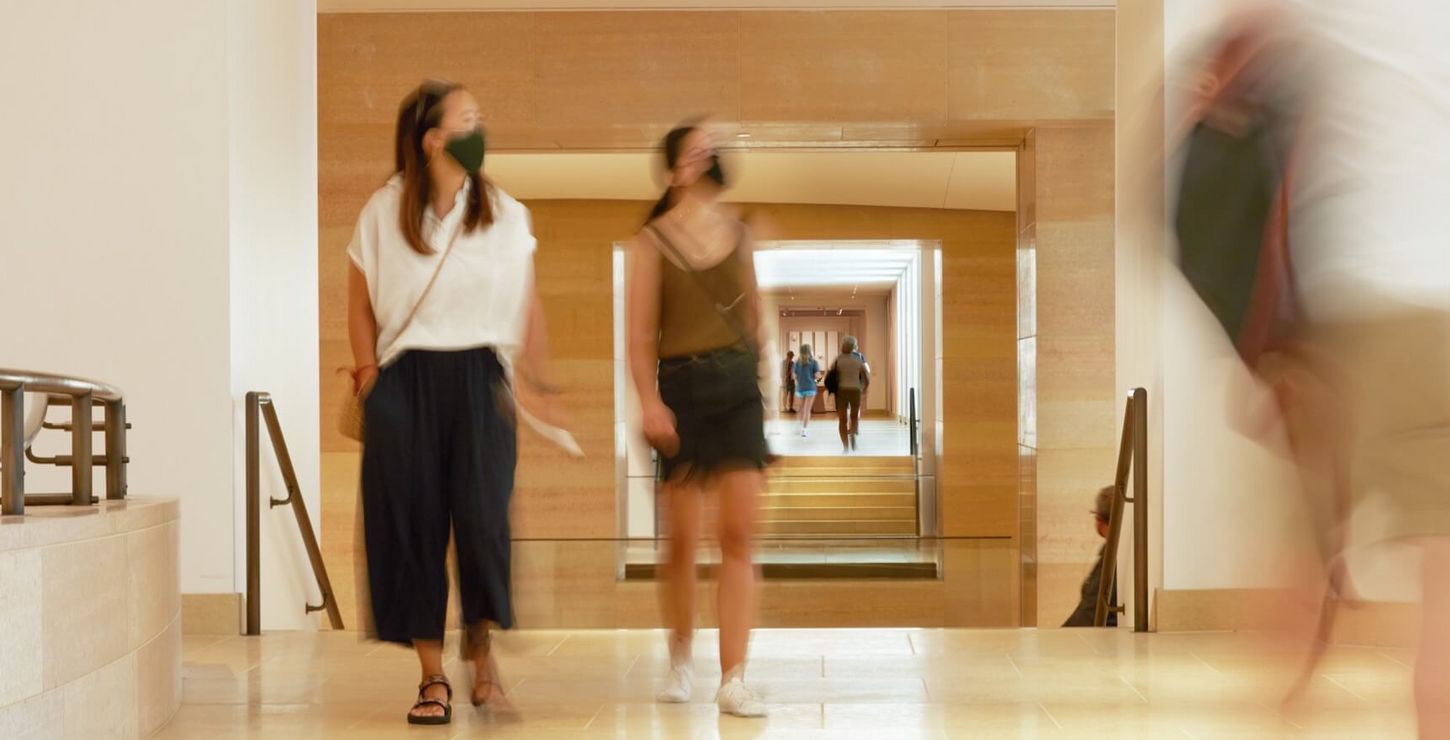
- East and West Museum Lobbies, ground and first floors
- Balcony Café, first floor
- Great Stair Hall Balcony, second floor
Is the HotSpot service secure?
You should regard the HotSpot service as an insecure network. Be certain you have up-to-date antivirus and firewall software installed on your device.
How does it work?
At the center of each HotSpot is a wireless access point, which communicates with your device's Wi-Fi card. Mac users will know the Wi-Fi cards as AirPort cards.
The HotSpots support the IEEE 802.11b wireless standards. They use radio frequencies in the 2.4GHz range, similar to the technology used by some cordless telephone handsets and to Bluetooth.
How do I configure my laptop to use a HotSpot?
Each HotSpot has a network name (a Service Set Identifier, or SSID) that uniquely identifies it. The Wi-Fi or AirPort card on your laptop needs to quote this SSID in order to use the HotSpot. Newer operating systems, such as Windows XP or newer Mac OS will usually detect the presence of a HotSpot, via its SSID, and simply offer you the chance to connect to it.
With older operating systems, you may have to configure the network card yourself to know about the HotSpot's SSID. Exact configurations vary from card to card (consult the documentation that came with your laptop). These instructions offer support and documentation for Windows XP and Apple Macintosh.
Windows XP
Windows 2000, Windows 98 and Windows 95
Macintosh
If the HotSpot connection is inaccessible, please report it to Visitor Services. Visitor Services cannot offer technical assistance for access to or use of the HotSpot beyond the information provided here. Bags, including laptop cases larger than 8 x 10 x 12 inches, must be checked prior to entering the galleries. We encourage the use of your device's battery as electrical outlets are not available for visitor use.Museum Internet access is supported by USLEC and funded by a grant from John MacFadden.
For more information, please contact Visitor Services by phone at (215) 763-8100 or by e-mail at .